

Last DVD/Bluray disc and last CD (music) that you bought
5 years ago
Featured Answer
Sort by:Oldest
Comments (32)
- 5 years ago
Related Discussions
recommendation for blu-ray dvd for old tv
Comments (35)There are two issues you need to consider: (1) connecting to the television and (2) connecting the unit to the Internet. (1) To connect the player to the TV, you need a composite connection - the yellow RCA jack (video) plus red and white for audio. Down the road, when she gets a new TV, you'll disconnect the three wires (yellow, red, white) and replace it with a single HDMI cable which will handle digital video and audio. At that point she'll go "wow" and probably wonder why she waited so long to get a new TV. ;-) There's two reasons to connect to the Internet. The first is that the player needs periodic updates. The second is to use the advanced features of the player for things like streaming video. (2) To connect to the Internet the player is going to use either a wired connection (via an Ethernet cable) from the player to the router or wirelessly via WiFi. Frankly, if you want to go the wireless route, investing in a player with built in WiFi is going to eliminate a layer of technology and agnst. How she wants to use the player is going to effect how you connect to the Internet and the cost of the player. If she does not plan on using the advanced features, then a cheaper player, without built-in WiFi, and a length of Ethernet cable will be the cheapest solution. At update time, connect the player to the router via the Ethernet cable, allow the unit to update, and put the cable back in the closet. If she want to use the advanced features (and there is lots of good, free stuff out there) then WiFi is the way to go. Setting up WiFi is much like any other wireless device, you'll select the name of the network from a list and enter the password. Remember that password is not the same as PASSWORD. I hope this clarifies everything for you....See Morecd rom not reading cds
Comments (6)Have you tried more than one CD? And more than one type? If for example you are trying a music CD now try inserting you XP operating system CD and see what pops up. Does the activity light on the front of the DVD player come on when you close the drawer with a CD inside and does the speed of the flashing increase after a few seconds of activity?...See MoreAudio problem with some DVDs---any ideas?
Comments (5)You know, years ago consumer electronics were built like appliances - hardware that was designed to work as specified when built and sold. Occasionally, after the hardware design and release, problems would arise and "technical service bulletins" would be issued by the manufacturer and problems would be fixed, usually under warranty. Later on, with firmware (computer software) now controlling products, manufactures could make fixes with a firmware upgrade and avoid costly hardware changes. Next came, "why should we wait on releasing this product, when we can do it now and finish it up in firmware upgrades later that the customer can/has to do later on?" So now, with Blu-ray, we have both hardware manufactures and Blu-ray DVD authoring facilities and replicators, all taking the same approach - make the customer figure it out and try to correct it with firmware upgrades. It's the same mentality used in the computer industry to make their failings your responsibility to figure out and resolve. OK! Off my soapbox now! Sushipup, try doing a firmware upgrade from the onscreen menus, with an internet connection, and see if the manufacturer has not already addressed the hardware/software conflict. If, when trying to perform an upgrade, it fails, try downloading the appropriate file to a USB thumb drive or CD-R instead and installing that way - the mfg website will usually provide a text file describing how to do this....See MoreBurned CD-R won't play in car CD player...
Comments (34)Sounds like maybe the darker color thing mentioned above may also play into it. My 2001 Grand Cherokee ( factory am/fm/cd/casette player) will not recognize burned CDs. i am currently using my laptop with XP and have tried windows player, I-tunes and BurnerXP but haven't noticed any different results from any of that different software. After going thru about 30 cds burning at different speeds and formats, I finally got it to occasionally recognize one I burnt at around 4X using PCM .wav (uncompressed) format but to recognize and play I usually have to fast forward it thru a couple of songs while it is doing the initial read. Once it recognizes and starts playing then will usually play the whole CD but doesn't always work for whatever reason. I may try the label thing or try to find some of the "dark" cds to see if that matters. We have a 98 KIA witn an aftermarket cd player and it will play just about anything burnt to cd no matter format or speed....See More- 5 years ago
 5 years ago
- 5 years ago
- 5 years ago
 5 years ago
- 5 years ago
 5 years agolast modified: 5 years ago



Related Stories
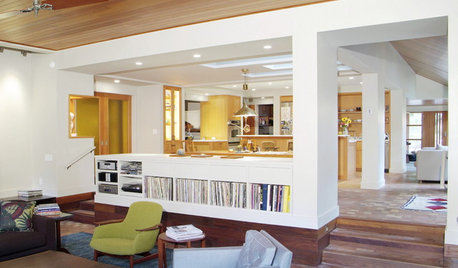
LIFESimple Pleasures: Put Your Records On
It’s cool to just relax on a recliner, delving deeply into tunes? Now that’s music to our ears
Full Story
LIFEThe Wisdom of Kenny Rogers, for Declutterers
No need to gamble on paring-down strategies when the country music legend has already dealt out some winning advice
Full Story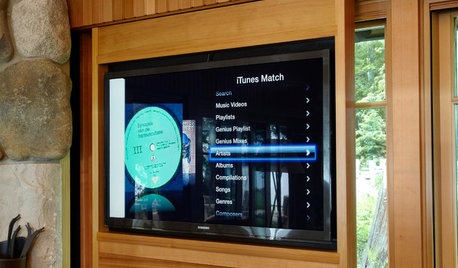
HOME TECHNew Strategies for Hiding the TV
Its easy to be discreet when you've got cabinets, panels and high-tech TV hiders like these
Full Story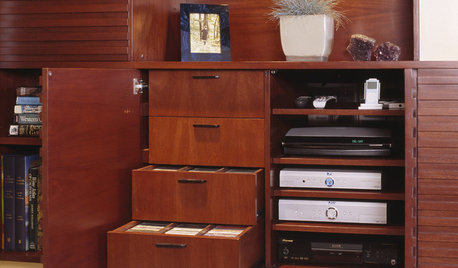
MEDIA ROOMSGet It Done: Organize the Media Cabinet
Ditch the worn-out VHS tapes, save valuable storage space and find hidden gems with this quick weekend spruce-up
Full Story
HOME TECHNew TV Remote Controls Promise to Do More — Without the Struggle
Dim your lights, set up user profiles and discover a remote you can't lose. Welcome to the latest and greatest way to change the channel
Full Story
DECLUTTERING9 Exit Strategies for Your Clutter
How to efficiently — and regularly — rid your home of the things you don’t want
Full Story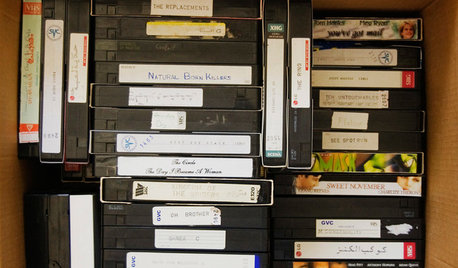
DECORATING GUIDESLose It: CDs, DVDs, Cassettes and VHS tapes
Still have piles of old cassettes, jewel boxes and videos piled in your garage? Learn how to get rid of them the eco-friendly way
Full Story
EVENTSHouzz Call: Share Your Eclipse Party Photos!
Are you in the path of totality? Please post pictures and tell us how you're viewing from your home or neighborhood
Full Story
HOUSEKEEPING10 Chores You Can Whip Through During Commercials
Use ad time for getting tasks done, and it’s like fast-forwarding your house into cleanliness
Full Story
DECLUTTERINGDownsizing Help: How to Edit Your Belongings
Learn what to take and what to toss if you're moving to a smaller home
Full Story

dedtired