

Need help with wireless router trouble
10 years ago
Featured Answer
Sort by:Oldest
Comments (11)
 10 years agolast modified: 10 years ago
- 10 years ago
Related Discussions
wireless router question
Comments (10)Terry, I looked around in bios - entered several places but never found "Wake on Lan..." It's a little scary in there! :) RC, I checked for scheduled tasks and found nothing listed that named any software on my computer. I wasn't that concerned about Vista waking up as I was that someone had broken through my security. It doesn't sound like anyone thinks that has happened, so I'm greatly relieved. Thank you. Zep, my computer automatically goes to sleep if I don't do it manually. I never know the best procedure to follow - shut the pc down or keep it on all the time! Thanks, everyone. I appreciate your help....See MoreWireless router problem
Comments (3)Thanks for the suggestions so far. We do not have VOIP, this router (although marketed for Vonage) was a close-out and thus, cheap. We only use the internet connectivity part of the router. We have no telephones at all. There is no possibility that anyone else is using our bandwidth. For one, we are subject to FAP and believe me we would know (our allowance is 185 MB a day in downloads). Also, even though it is a wireless signal, it isn't that strong and someone would have to be on our road, on our property, pretty much right in front of the house to use our signal. So, no, there is no misuse of our bandwidth. We do not use a firewall. We have tried them, and simply did not like how much they slowed down our computers. The router nor the Hughes Net modem does not have a firewall. We don't want a firewall on our systems. I also feel that our antivirus and spyware programs are suitable for our needs- I don't want to add any more programs- our machines are not "souped up" modern machines but they serve our needs well. In other words, small hard drives and enough memory to do what we need to do. We use the Tea Timer in Spybot, along with the browser protection. At one time we had Spyware Blaster, but in recent months we just rely on SpyBot. We have well-maintained systems and adding any more protection programs would be overkill, in my opinion. We have used the internet for several years and have never had a virus or spyware. Our computers are used mostly for schoolwork, although we use do use webmail. We do very little pleasure surfing. The router did not come with any software at all. Only the user guide on CD....See MoreWireless Broadband Router won't connect
Comments (3)well, you need to access the linksys router and look in its wifi pages might try ; http://192.168.1.1 or http://192.168.1.254 or maybe change the .1. to .0....See MoreHelp with wireless router and memory order
Comments (10)This is what he got me - from the box: SMC Networks Wireless Cardbus Adapter "Supports blazing wireless communcation at up to 108 MBPS." Advanced Wireles Security, includes Wi-Fi Protected Access. For Home and Small Office Networking. "Share your existing cable connection with multiple computers by addind a high performance Barriade g Router with USB Print server" Don't know about the last part, I could live without the print server, I just want to be able to work and browse in other rooms in the house besides my basement where the cable connection is. As for the memory card - I went to the "Crucial" RAM Scanner Web site as recommended by Zep516 on a previous post that I found through the search menu. I clicked on the Crucial System Scanner, and it said: Maximum Memory Capacity: 1024MB Currently Installed Memory: 256MB Available Memory Slots: 1 Number of Banks: 2 Dual Channel Support: No CPU Manufacturer: GenuineIntel CPU Family: Mobile Intel(R) Celeron(R) CPU 2.40GHz Model 2, Stepping 9 CPU Speed: 2392 MHz Each memory slot can hold DDR PC2700,DDR PC3200 with a maximum of 512MB per slot.* So I couldn't remember the exact number of what I have, but what I have is 256 MB of currently installed memory and one empty "slot."...See More 10 years ago
- 10 years ago
- 10 years ago
- 10 years ago
- 10 years ago
- 10 years ago
Related Stories

REMODELING GUIDESKey Measurements to Help You Design the Perfect Home Office
Fit all your work surfaces, equipment and storage with comfortable clearances by keeping these dimensions in mind
Full Story
SMALL SPACESDownsizing Help: Storage Solutions for Small Spaces
Look under, over and inside to find places for everything you need to keep
Full Story
HOME TECHCook Smarter With New Wi-Fi Kitchen Gadgets
Whip up meals with high-tech help, thanks to a phone-connected oven and teakettle, plus a web-surfing cutting board
Full Story
HEALTHY HOME16 Ideas for a Healthy, Feel-Good Home
Making these small tweaks and bigger shifts at home can help you thrive everywhere you go
Full Story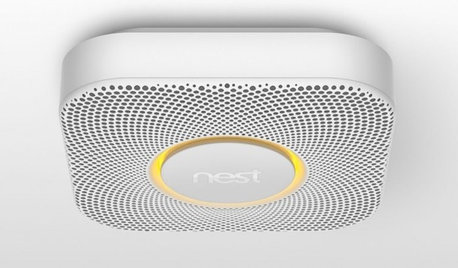
HOME TECHBetter, Smarter Smoke Detectors Push All the Right Buttons
No more bashing in that smoke detector with a broomstick at 3 a.m. — if you haven't already yanked it out. Welcome the new, civilized breed
Full Story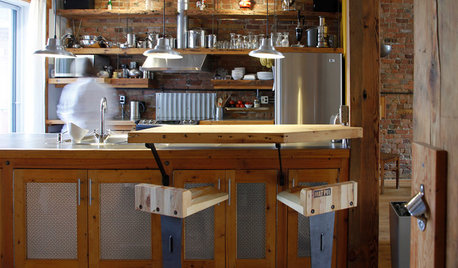
KITCHEN DESIGN11 Great Alternatives to Glass-Front Cabinets
You may just break up with glass when you see these equally decorative but less fragile cabinet options
Full Story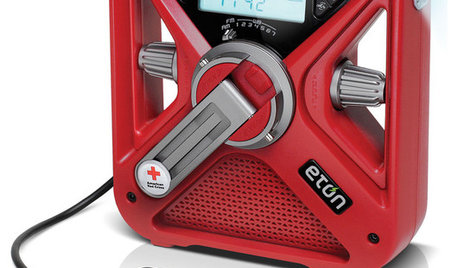
HOME TECH7 Ways to Charge Up and Connect After Disaster
Products and tips for communicating and keeping essential items running till the power's back on
Full Story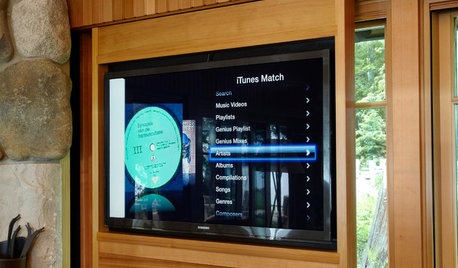
HOME TECHNew Strategies for Hiding the TV
Its easy to be discreet when you've got cabinets, panels and high-tech TV hiders like these
Full Story
GARDENING AND LANDSCAPINGHow to Move Your Movies Outside
How to get the shows you want to watch to your outdoor TV
Full Story
ACCESSORIESHow to Hide Those Messy Wires
Untangle Yourself From Ugly Electrical Cords With a Few Tricks and Accessories
Full StorySponsored
More Discussions

Michael