

task bar'''''''''''''''''''''''''''''''''''
5 years ago
Featured Answer
Sort by:Oldest
Comments (6)
Related Discussions
Can't get task bar the way I want
Comments (10)Thanks, Bob. I do see dots - but not near the notification area. It's in the quick launch area and task bar (which shows I have firefox opened) - just to the right of the start menu. So thanks to you instructions, I was able to drag it all back to the bottom. Good to know that keep task bar on top means showing. Now I'm down to just one problem. the notification icons are displaying in three rows. These rows are taking up 2 regular sized bars. I can get the start, firefox open browser tab and quick launch icons on the top line - but I can't make the bottom line disappear because the notifcation icons are taking up 3 small rows. There are no dots there - and I can't find a way to collapse them into a single line. Also - interestingly, the whole reason i started this venture was to get the safely remove hardware icon back. Even though I went to properties - and selected customize, and always show safely remove hardware icon, the icon is still not showing. And the clock is now displaying on three lines as well. Thanks. Lynn....See MoreVolume Icon Disappeared From Task Bar
Comments (11)Unfortunately, DA's solution didn't work... zep, I read the information at your link; and I officially have information overload. : ) Can't... do... it... I'm not really sure what to do. Is it because of the network connection? I see it happened to cg, too. I believe the icon didn't disappear until about a week after I set up the network. And I don't know if this is related; but my internet connection keeps getting cut off constantly when I'm using my laptop (this started a few days ago). Grrr. I think I may try something I read (about the cut-off internet connection) - and that is - shut off both computers; and unpower the modem and router, and repower them up in order of modem, then router (I have to read the instructions again : P )... That probably has nothing to do with the volume icon on the desktop (which ran like a charm for more than 5 years until I set up my network : / )...See MoreTime/Date Keeps Changing on Task Bar
Comments (5)Kudzu and Ravencajun, I just went to the forum to find your reply and answer it, and I don't even see my question let alone anyone's reply. Cannot figure what's going on except NOW I see that the replies on the forum are dated October 15th which was 2 days ago, just like my clock which is 2 hours ago. I opened the time adjust and DID see it was set in the wrong time zone, but when I set it for Pacific it said the time was now 10:10. I now see something else on that same adjustment site that may be wrong, but since I have no idea what it means, I'm afraid to change it. It has to do with Internet time. It's set for Time-n.w.-nist.gov. This seems to be getting very complicated. Update, now I see the current forum posts/replies so maybe things are correcting themselves??? Thanks, BarbB...See MoreHave lost START Menu button, Bottom Task Bar,
Comments (10)lotodig- Just so you're more confident, I've re-booted my computer many times over the years using the technique I've described. Several times, for example, my cursor has frozen so I couldn't navigate to do anything, such as re-boot normally. I didn't always know why some problem was happening, but I did know that the power button re-boot would not make anything worse. Usually the only time you can have a problem is if you decide to do a re-boot/re-start of any kind in the middle of some major activity where you are making changes to the computer, such as installing updates or doing a defragmentation. However, in the other 99.9% of cases, all you're doing is cleaning out the RAM of some unexplained little problem and starting fresh....See More 5 years ago


Related Stories

CHRISTMASMake Holiday Tasks Fun With a Dining Table Takeover
Set up your table for wrapping, baking or writing, and you'll set yourself up for less stress and more festivity
Full Story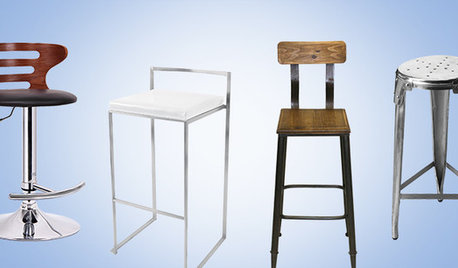
SHOP HOUZZShop Houzz: Finding the Right Bar Stool
Watch our video to help you decide which of these budget-friendly bar stools is for you
Full Story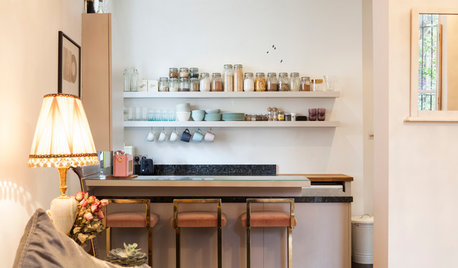
KITCHEN DESIGN12 Breakfast Bars With Coffee Shop Appeal
Give even a small kitchen a sociable vibe by inserting a stylish seating post
Full Story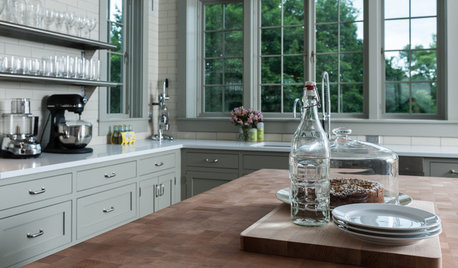
MOST POPULARKitchen Evolution: Work Zones Replace the Triangle
Want maximum efficiency in your kitchen? Consider forgoing the old-fashioned triangle in favor of task-specific zones
Full Story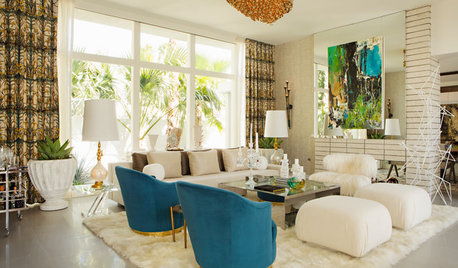
MODERN STYLERoom of the Day: Party-Ready in Palm Springs
A swanky retro-inspired living room (full bar included) is set for a soiree in the desert
Full Story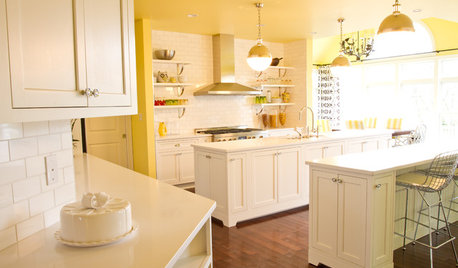
KITCHEN DESIGNDouble Islands Put Pep in Kitchen Prep
With all that extra space for slicing and dicing, dual islands make even unsavory kitchen tasks palatable
Full Story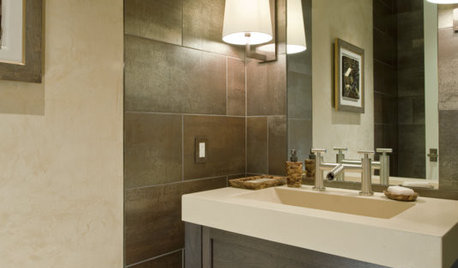
BATHROOM DESIGNHow to Light Your Bathroom Right
Get ready for your close-up in a bath that's a sanctuary with task, accent, decorative and ambient lighting
Full Story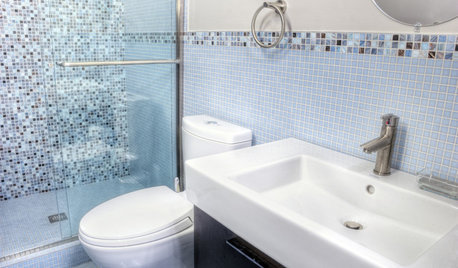
BATHROOM DESIGNNew Year's Resolutions for Your Bathroom
Set up your bath for conservation, multi-tasking, safety and relaxation
Full Story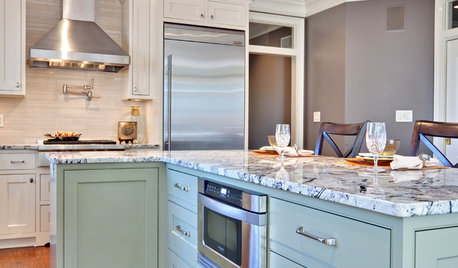
KITCHEN DESIGN9 Ideas Coming to a Kitchen Near You
2012 kitchen updates: Tall, solid-surface backsplashes, smarter storage, handy task stations and sheen instead of shine
Full Story
LIGHTING5 Questions to Ask for the Best Room Lighting
Get your overhead, task and accent lighting right for decorative beauty, less eyestrain and a focus exactly where you want
Full Story
ravencajun Zone 8b TX