

Smart phones are awkward
9 years ago
Featured Answer
Sort by:Oldest
Comments (64)
 9 years ago
 9 years ago
Related Discussions
Easy step by step for new smart phone.
Comments (2)Most smartphones - iphone, windows phones, android phones have tons of little videos on how to do stuff on Youtube and you can get free or for a couple of dollars online user's manuals on the internet - Amazon, GooglePlay, etc... You can also do trial and error too. You can always reset it back to factory settings. It the fun of having a smartphone! Android smartphones are customed by the manufacturer for the most part and may be difficult to learn since each manufacturer does it just a little bit differently. There are hundreds of forums and specific websites that specialized on each smartphone operating system as well as podcast like Twit.tv. Check them out! If you are lost and cannot find the answer and need some live help; Apple, Microsoft and Google (if you purchase a Google brand phone like the Nexus will be happen to help you online. if you have an iPhone; you can make an appointment and visit a genius at the nearest Apple Store. If you purchase a Nokia Lumia phone you can take it to your nears Microsoft Retail Store and they will help you too! Amazon takes it a step further and offers a direct live two way video chat help; so you can ask away with their new Fire phone and the help can setup the phone too if you cannot do it yourself while you are talking. Also, their is Sirus for iPhone and Cortana for Windows Phone - a built-in voice activated personal assistant to help you with questions too! I forgot what they call Google's personal assistant however! In other words; you can get help everywhere. Just do a Google or Yahoo search on what you want to do or have problems doing! 95% of it will be answer by dozens of sites on the links! This post was edited by harry_wild on Fri, Aug 15, 14 at 3:57...See Morekinda off topic..smart phone/router related
Comments (9)Other things that can interfere are microwave sources on the same frequency - microwave ovens and the like - although I'm sure you don't have one of those running all the time. Also, wireless signals don't like metal in the path, or anything wet, like wet lumber or trees. You didn't plant a forest in the middle of your house did you ? Other thoughts . . . Do you have any idea if the signal strength for the router has declined in general ? Like, does your tablet show the same signal strength as before ? Routers can go bad, but they'd then be bad for all connecting devices. Did you by any chance reorient your Netgear router ? Antennas have transmission patterns, meaning the signal strength will be different depending on whether you are horizontal to it, or above it, or some combination of the two. They have polarity as well, meaning your signal strength can change depending on whether your receiving antenna is parallel to the transmitting antenna, or otherwise. You have to play around with the variables sometimes to see which one is relevant. Also, is there any chance you updated your phone, and that update actually worsened it's wireless performance ? Or did you drop your phone recently, which might have damaged the antenna connection ?...See MoreMiele RemoteVision, IOT (Internet of Things) & Miele’s SmartPhone App?
Comments (3)They used to talk it up. Perhaps there was consumer resistance. I know when I got my Miele coolers, my wi-fi was internal only, mostly for the stereo, and the remote vision module was expensive. It can do things like call you if someone leaves the freezer open, and phone home to tell the techs what the trouble is, but I've had a few reasons to call the techs and they speak human very well, and are very helpful and accommodating without the gizmo. The apps are newer, but I don't even use the Anova app for my circulator. It seems like a bother. I look up the times and temps I want and just set it manually. While there is potential there, it's more of "toys for boys" kind of thing so far, the gizmo that gets the missus her double the price of the big box store appliance. That's a standard kind of marketing tool that predates the world wide web. ;)...See MoreSmart phone recs please
Comments (19)You don't have the brightness set to auto do you? That could be over ridding your attempt to adjust. If I am in bright sunlight I slide my display brightness all the way to max and don't have a problem. Ask at the att store to look at the ZTE phones. They can be used on regular accounts as well as pay as you go. I have a regular family plan. My sim card out of my HTC phone went right into the ZTE along with the memory card. So much better than the HTC it replaced. I just won't pay the kind of money for iPhone when my android does all I need and more. It's definitely a personal choice....See More 9 years ago
- 9 years agolast modified: 9 years ago
 9 years agolast modified: 9 years ago
 9 years ago
 9 years ago
- 9 years ago
 9 years ago
 9 years ago
- 9 years ago
- 9 years agolast modified: 9 years ago
 9 years agolast modified: 9 years ago
 9 years ago
- 9 years ago
- 9 years ago
- 9 years ago
 9 years ago
 9 years ago
- 9 years ago
- 9 years ago
- 9 years ago
- 9 years agolast modified: 9 years ago
 9 years ago
- 9 years ago
- 9 years ago
- 9 years agolast modified: 9 years ago
- 9 years agolast modified: 9 years ago
- 9 years ago
- 9 years ago
- 9 years agolast modified: 9 years ago
- 9 years ago
- 9 years ago
- 9 years ago
 9 years agolast modified: 9 years ago
- 9 years ago
- 9 years ago
- 9 years ago
- 9 years ago
 PRO9 years ago
- 9 years ago
- 9 years ago
- 9 years ago
- 9 years ago
- 9 years ago
- 9 years agolast modified: 9 years ago
- 9 years ago
- 9 years ago
- 9 years agolast modified: 9 years ago
Related Stories
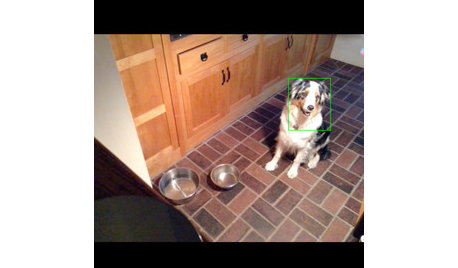
HOME TECHTurn Your Smart Phone Into a Home Security System
Monitor your home a less expensive way by putting your phone and some new gadgets to work
Full Story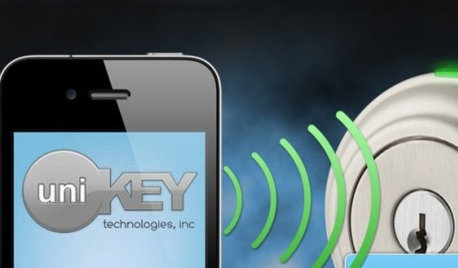
HOME TECHSmart Phones Hold the Keys to Front Doors
Knock, knock. Who's there? A brand-new generation of hardware and app combos that let you play doorman from anywhere
Full Story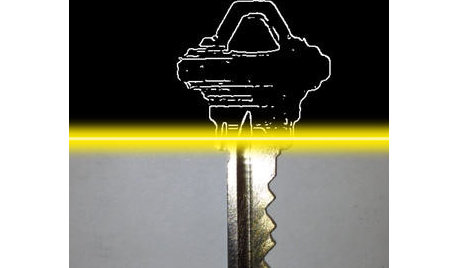
HOME TECHUnlock Your Smart Phone's Front-Door Powers
Take your locks and keys into the digital age with 3 solutions that put convenience and new capabilities on your doorstep
Full Story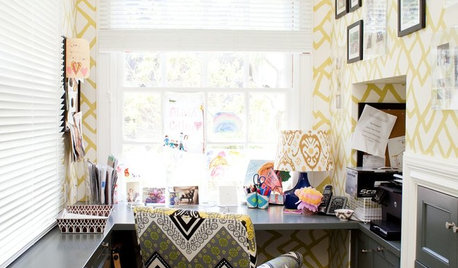
HOME OFFICESRoom of the Day: Home Office Makes the Most of Awkward Dimensions
Smart built-ins, natural light, strong color contrast and personal touches create a functional and stylish workspace
Full Story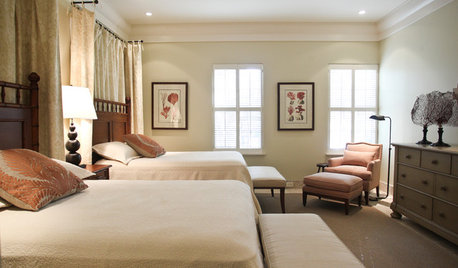
DECORATING GUIDESHow to Work With Awkward Windows
Use smart furniture placement and window coverings to balance that problem pane, and no one will be the wiser
Full Story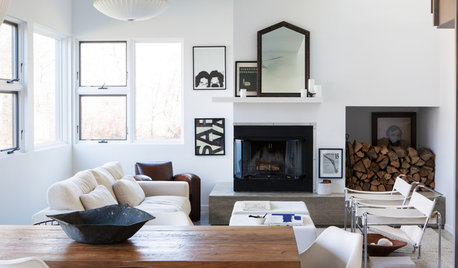
DECORATING GUIDES11 Smart Decorating Ideas for Wall Niches
Don’t let an unusual wall space get you down. Fight back with shelves, plants, firewood, bright colors and more
Full Story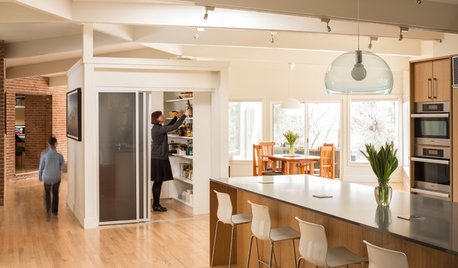
HOUZZ TOURSHouzz Tour: Dialing Back Awkward Additions in Denver
Lack of good flow once made this midcentury home a headache to live in. Now it’s in the clear
Full Story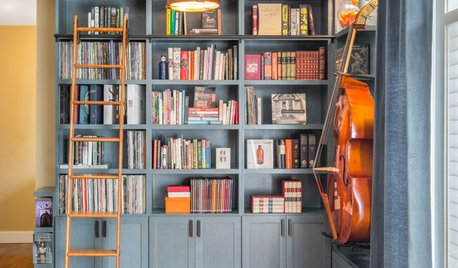
THE HARDWORKING HOMEFrom Awkward Corner to Multipurpose Lounge
The Hardworking Home: See how an empty corner becomes home to a library, an LP collection, a seating area and a beloved string bass
Full Story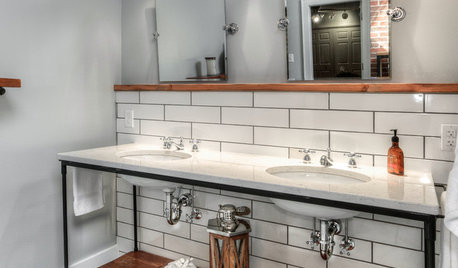
BATHROOM MAKEOVERSRoom of the Day: A Master Bath Replaces an Awkward, Unused Space
See before-and-after pictures of a Nebraska bathroom built from scratch
Full Story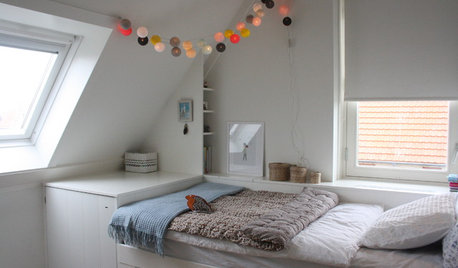
ATTICS14 Tips for Decorating an Attic — Awkward Spots and All
Turn design challenges into opportunities with our decorating ideas for attics with steep slopes, dim light and more
Full Story

arkansas girl