

windows live messenger
15 years ago
Sort by:Oldest
Comments (11)
Related Stories
DECORATING GUIDES11 Shutters to Enhance Every Window
Vinyl in the bathroom, café style in the kitchen, clerestory in the living room — today's shutters are terrific for every room in the home
Full Story
WINDOW TREATMENTSThe Art of the Window: Sheer Madness
We offer 20 reasons to embrace gauzy curtains' goodness — on windows, as room dividers, and around the bed and bath
Full Story
GARDENING AND LANDSCAPINGLandscape Design: Windows to Your World
Large, Small, Shuttered or Not, Garden Windows Frame the View
Full Story
WINTER GARDENINGCity Gardener: Fun With Winter Window Boxes
Winter's chill and a lack of yardage don't need to deter you from bedecking your windows with eye-catching arrangements like these
Full Story0
REMODELING GUIDESRenovation Detail: The Shed Dormer
To expand living space and maximize light at the top of a home, consider adding a shed dormer to the architecture
Full Story
WINDOWSOpen Walls Widen Home Possibilities
Doing away with the boundary between indoor and outdoor living, open walls add space, light and drama to a home
Full Story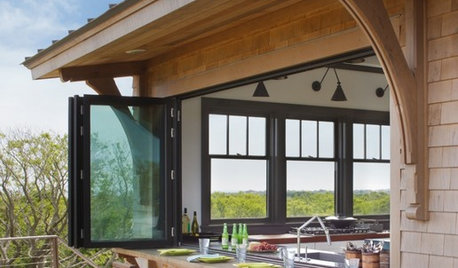
PATIOSAn Indoor-Outdoor Serving Bar Opens the Possibilities
Thinking about revamping your patio this year? Indoor-outdoor pass-throughs make entertaining outside even easier
Full Story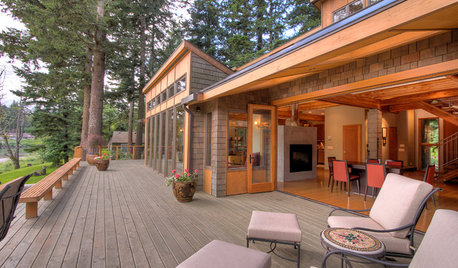
GARDENING AND LANDSCAPINGPatio Life: Step Right Outside
Here's how to make your move from indoors to patio or deck so smooth, you almost don't see the threshold
Full Story
ROOM OF THE DAYRoom of the Day: A San Francisco Living Room Enjoys the View
A reconfigured entry, expansive windows and modern furnishings create an inviting living room with stunning vistas
Full Story
GARDENING AND LANDSCAPINGCharm Up Your House With Windowboxes
Plant Some Living Color Right Outside Your Window
Full Story
salbwilOriginal Author
ravencajun Zone 8b TX
Related Discussions
Windows Live messenger
Q
msn
Q
Windows Live Messenger
Q
Laptop gets sluggish mainly with FB
Q
urlee
urlee
salbwilOriginal Author
urlee
mikie_gw
salbwilOriginal Author
urlee
urlee
urlee