

adjusting AOL default window size, etc.
18 years ago
Sort by:Oldest
Comment (1)
Related Stories
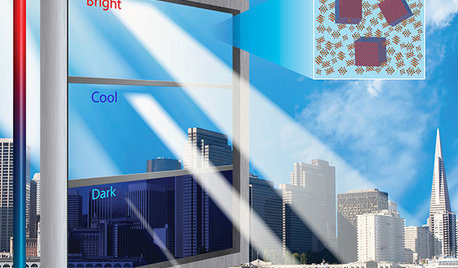
HOME TECHIs It Curtains for Curtains? Smart Glass Eliminates Window Coverings
Windows can now control light and heat through electricity and high-tech formulations, making blinds and shades optional
Full Story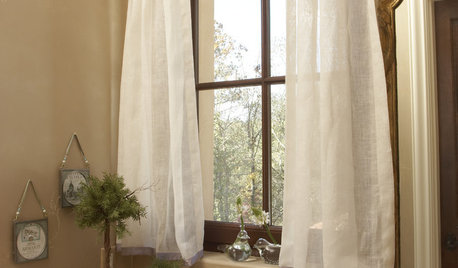
WINDOW TREATMENTSCurtain Speech
Learn the basic terms for parts and styles of draperies and curtains to get the look you want
Full Story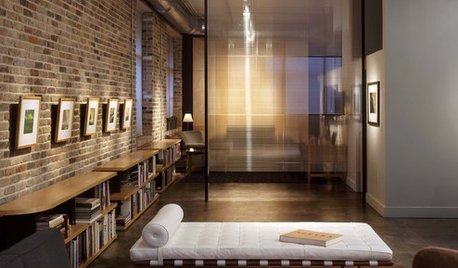
MATERIALSMaterials Workshop: Polycarbonate — a Low-Cost Alternative to Glass
Looking for something lighter, stronger and less expensive than glass? Multiwall polycarbonate may be a good option
Full Story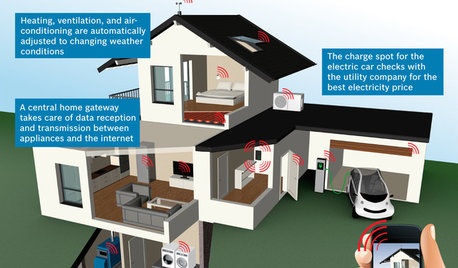
THE HARDWORKING HOMECES 2015: Inching Toward a Smarter Home
Companies are betting big on connected devices in 2015. Here’s a look at what’s to come
Full Story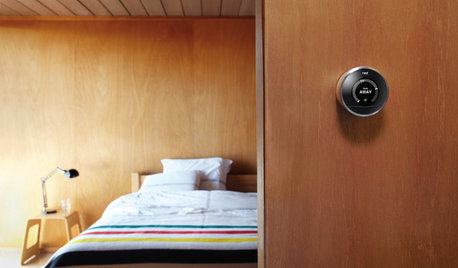
ACCESSORIESEveryday Home Must-Haves Beg for a Makeover
The Nest's much-improved take on the thermostat has us pondering reinventions of other necessities around the house
Full Story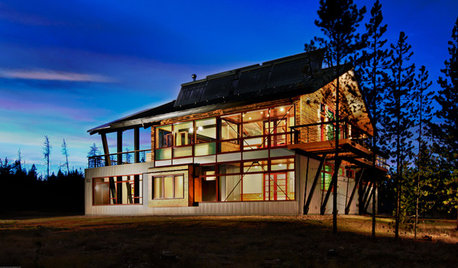
GREEN BUILDINGZero Net Energy: A Hardworking-House Term to Know
Homes that consume only as much energy as they produce by renewable means are a goal for builders. Learn what ZNE means for you
Full Story
GREEN BUILDINGOff the Grid: Ready to Pull the Plug on City Power?
What to consider if you want to stop relying on public utilities — or just have a more energy-efficient home
Full Story
KITCHEN DESIGNKey Measurements for Your Kitchen Design
Get the ideal kitchen setup by understanding spatial relationships, dimensions and work zones
Full Story
MOVINGMaking a Home Away From Home
Feeling like a stranger in a strange land? These tips can help ease the transition after a big move
Full Story
GREAT HOME PROJECTSHow to Replace or Revamp Your Garage Doors
Boost curb appeal and maybe even security with new garage doors. Find out cost ranges and other important details here
Full Story
cboy
Related Discussions
Two Steps Forward, One Step Back - Now I can't open AOL
Q
AOL Emails problems with Firefox - 2 problems
Q
Default email
Q
Help with window size on front elevation
Q