I agree about using the online version. I had updated to version 3 and had nothing but trouble afterwards. It took forever to download (I don't have a very fast connection), and often after programs, especially browsers, had updated, Secunia still showed them as the old Insecure versions. Now I just run it once a month, after the MS Updates when I do all the rest of my maintenance work.
Jane - I had the same item come up on my daughter's laptop when I ran Secunia. She has Windows 7 and has been using google chrome (whereas I mostly use firefox). Don't know if that's why this got turned up.
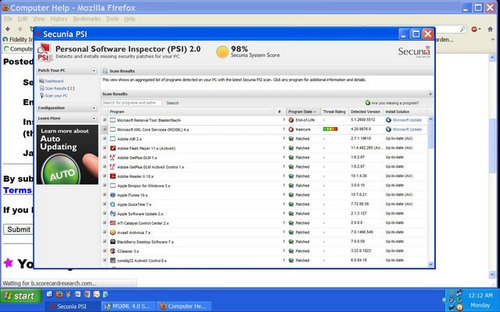
I don't know what the program is, but I've tended to do just do what Secunia tells me, so I did download and install it - and all seems fine - but that was just this morning. I was using Secunia PSI 3.
I only use the online scanner have never installed the PSI. I don't like to install a lot of programs on my pc anyway and if I can get the same results from the online scan I do that, however you do have to remember to go do that scan!
another great resource is to check the calendar of updates daily. Calendar of Updates




nearandwest
bob414
Related Discussions
Apache/php.exe?
Q
Unsure about SEcunia recommended update - Microsoft MXL Core Serv
Q
Program Update questions (what SEcunia did and did not turn up)
Q
Java Problems - can't access, can't uninstall
Q
grandms
jane__nyOriginal Author
nearandwest
bob414
lynnalexandra
ravencajun Zone 8b TX