

AvG8 users there is an update issue
18 years ago
Sort by:Oldest
Comment (1)

Related Stories
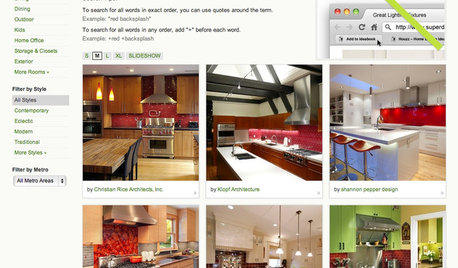
INSIDE HOUZZ9 Power-User Tricks to Get More From Houzz
Search faster and better, tap into design guides, manage your ideabooks and see photos on your flat-screen TV
Full Story
You Said It: Hot-Button Issues Fired Up the Comments This Week
Dust, window coverings, contemporary designs and more are inspiring lively conversations on Houzz
Full Story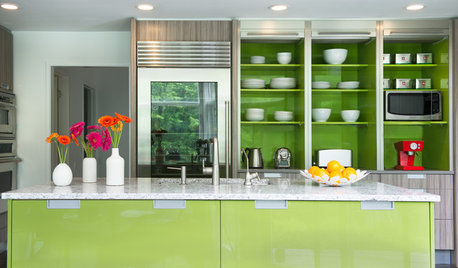
KITCHEN DESIGNKitchen of the Week: Bold Green and User Friendly in Connecticut
A renovation creates a more colorful kitchen with better traffic flow and lots of storage
Full Story
STUDIOS AND WORKSHOPSCreative Houzz Users Share Their ‘She Sheds’
Much thought, creativity and love goes into creating small places of your own
Full Story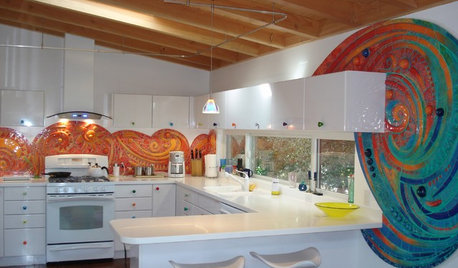
KITCHEN DESIGN7 Houzz Users' Kitchens That Really Work
They have different styles, colors and materials, but these kitchens have one thing in common: They're exactly right for their owners
Full Story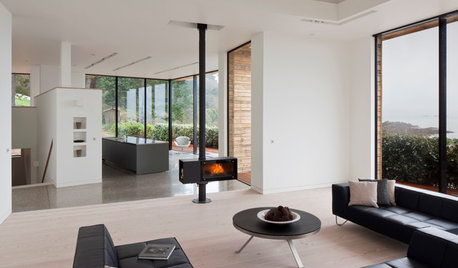
FIREPLACESUpdated Woodstoves Keep Home Fires Burning
Better technology means more efficiency than ever for modern woodstoves
Full Story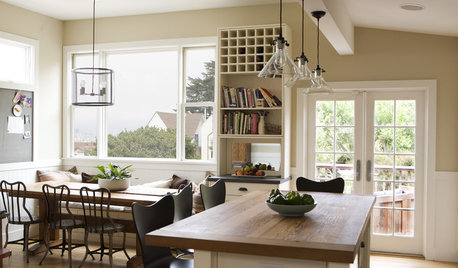
BUDGET DECORATINGBudget Decorator: 15 Ways to Update Your Kitchen on a Dime
Give your kitchen a dashing revamp without putting a big hole in your wallet
Full Story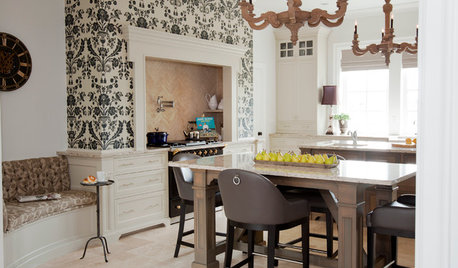
KITCHEN DESIGNKitchen of the Week: Updated French Country Style Centered on a Stove
What to do when you've got a beautiful Lacanche range? Make it the star of your kitchen renovation, for starters
Full Story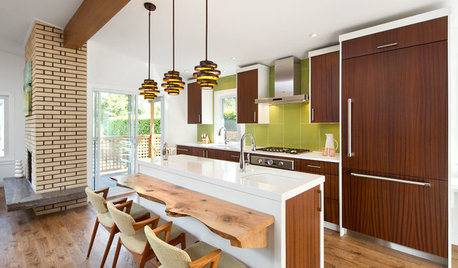
HOUZZ TOURSHouzz Tour: Dancing to the 1970s in an Updated Vancouver Home
The open floor plan and updated appliances have modern moves, but the lime green and wood paneling still do the hustle
Full Story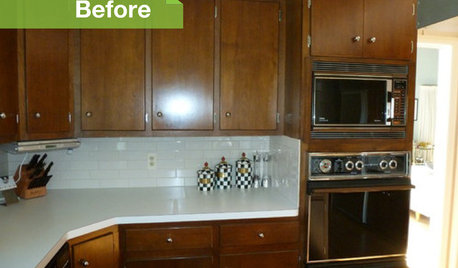
KITCHEN DESIGN3 Dark Kitchens, 6 Affordable Updates
Color advice: Three Houzzers get budget-friendly ideas to spruce up their kitchens with new paint, backsplashes and countertops
Full StorySponsored
More Discussions

deew
Related Discussions
Avast users false positive alerts
Q
Windows update issue on dell mini
Q
Update SS Baseball Issue
Q
Maybe novice users should buy Macs and avoid Win PCs?
Q