

Instant Messenger Question.
16 years ago
Sort by:Oldest
Comments (3)
Related Stories

DINING ROOMS5 Instant Dining Tables
Company coming? These console tables expand into a party-sized dinner table
Full Story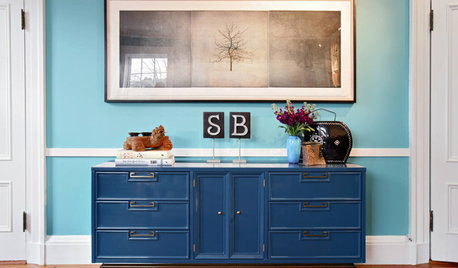
BOLD COLORInstant Fix: Refresh Your Furniture With Some Punchy Paint
Give old furniture new life with a bold color, pattern or idyllic scene
Full Story
STUDIOS AND WORKSHOPSRoom of the Day: Instant Craft Studio on Vashon Island
A prefab workshop in the backyard of a waterfront vacation home makes a cost-friendly alternative to a home addition
Full Story
SELLING YOUR HOUSE15 Questions to Ask When Interviewing a Real Estate Agent
Here’s what you should find out before selecting an agent to sell your home
Full Story
GREEN DECORATING8 Questions to Help You See Through Green Hype
With the ecofriendly bandwagon picking up some dubious passengers, here's how to tell truly green products and services from the imposters
Full Story
LIGHTING5 Questions to Ask for the Best Room Lighting
Get your overhead, task and accent lighting right for decorative beauty, less eyestrain and a focus exactly where you want
Full Story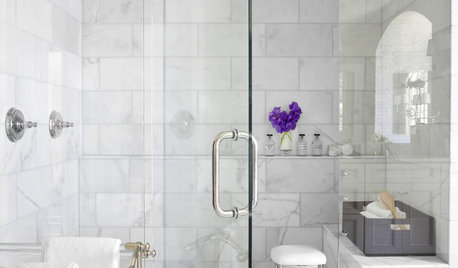
REMODELING GUIDESWhy Marble Might Be Wrong for Your Bathroom
You love its beauty and instant high-quality appeal, but bathroom marble has its drawbacks. Here's what to know before you buy
Full Story
REMODELING GUIDESThe Timeless Elegance of Beadboard
Classic Wall Paneling Adds Instant Beach Cottage Charm
Full Story
DECORATING GUIDES8 Alternative Ways to Display Art
Create an Instant Gallery Without Hammer and Nails
Full Story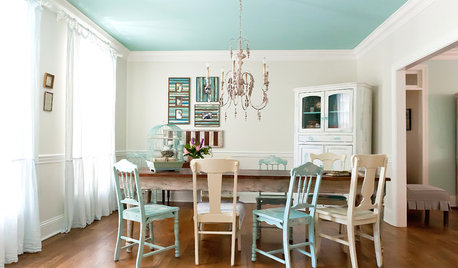
COLORAdd Excitement With Vibrant Ceiling Color
Slather on some bold ceiling color for an instant — and eye-catching — transformation
Full Story
More Discussions

zep516
thirdfrtOriginal Author
Related Discussions
question about mulch and messenger
Q
instant hot and water filter system questions
Q
ipad question about instant messaging
Q
Questions for those who own the specific brand "Instant Pot"
Q
thirdfrtOriginal Author