

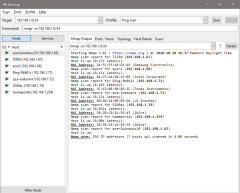
Network map function?
6 years ago
Featured Answer
Sort by:Oldest
Comments (12)
 6 years ago
Related Discussions
Social Networking + Gardening
Comments (2)I signed up there a couple of years ago at the suggestion of someone on the winterowing forum, but there are only a few GardenWeb people I know of over there, and they aren't very active, so I never go over there. At the time I signed up, some of the cooler features were only available for paying subscribers. Not sure if that is still the case. It looked like a good way to track your gardens progress, IF you were willing to take the time to enter in all the information about each individual plant. I entered some of the plants in my main perennial bed, but it was time consuming, and I finally gave up. The social networking aspect didn't seem very successful to me, as not very many people were active on the forums, at least at the time I joined anyway. Bonnie...See MoreCollaboration or social network site
Comments (1)Have you tried the Trees Forum? tj Here is a link that might be useful: Trees Forum...See MoreDirection of the Food Network
Comments (57)I happened on this site and enjoyed reading the comments about the direction of the food network. I too used to be a real fan of the network, but do not watch it on a regular basis. I chalked it up to m y life getting busier and TiVO, but that knew those weren't the only reasons b/c when I catch Julia or Jaques or Lidia on TV, I find myself sitting there and watching. Can't say that about the shows on the FN. I do like Giada, Ina (think b/c onf the calming nature of their shows, Giada's style and the fact that I actually do learn something and have tried and like their recipes). I also like Nigella b/c of the naughtly, yet subltle "not obvious" sensual way she has with preparing food. These 3 are my fav's b/c I actually learn something and have tried their recipes. I even like ole' martha b/c of the same reason. I am a black woman who grew up in a fairyly "boustrius" family in the bronx during the 60's and 70's. I and my family used to LOVE watching Julia Child (I commonly referred to her as "the cooking lady") on the "ups" channel 13 in NY, on a black and white t.v., grainy picture and all. How is it that "the cooking lady" could command the attention of my family and I is beyond me, but I think it had to do with her voice, precesne and the fact that we actually LEARNED something. Juslia also had a dry sense of humor and thought nothing of bringing out a blow torch, goggles and all, in a couple of the earlier episodes. I thankfully have most of her videos and watch them as my life permits. I am glad FN is reconizing the need for diversity, but the Neely's, sorry to say, are not the answer. I confess tat I only watch the episodes that feature one or more Neely men. Gina's over the top, swinging of the fake hair, need for attention attitude/behavior and screechy/baby voice drives me nuts. I don't need a FN "personality" telling me how/what to do w/my man in the kitchen...I have that covered just fine, thank you. PLEASE FOOD NETWORK, if you are reading this, LET THE NEELY MEN HAVE THEIR OWN SHOW WITH OUT GINA NEELY!!! P.S. Thanks to the "Eric08" that forwarded the link to the Tony Bourdain commentary. It cracked my up. Tony is another of my favorite chefs. Unapologetically real....See MoreNon WiFi Network an Old Printer?
Comments (3)Are there any Cleaning Features you can use. Sometimes this will help when a printer has sat for a while. On my Brother Inkjet (MFC-845cw) I have to clean it numerous times to get it to print correctly. It doesn't get used much (only for Photos on Photo Paper). We have Two Brother Color Laser AIO Printers (MFC-9440cn and DCp9040cn) that are the really workhorses in our printing. Your Printer has a LED Readout and in the Menu you might find the Cleaning Feature. Scroll thru and see if you can find it. Once you find this feature run it several times to see if it helps. I would run it 10-15 times to be sure it's printing correctly!...See More- 6 years ago
 6 years ago
 6 years ago
- 6 years agolast modified: 6 years ago
- 6 years ago
 6 years ago
- 6 years ago
- 6 years ago
 6 years agolast modified: 6 years ago
Related Stories
ARTHouzz Call: Show Us Your (Functional?) Art
We want to see how art plays a part in your home
Full Story
HOUZZ TOURSMy Houzz: A Private Library Becomes a Functional Family Home
Renovations in a Brooklyn brownstone preserve historical details with modern flair
Full Story
KITCHEN DESIGNKitchen of the Week: Function and Flow Come First
A designer helps a passionate cook and her family plan out every detail for cooking, storage and gathering
Full Story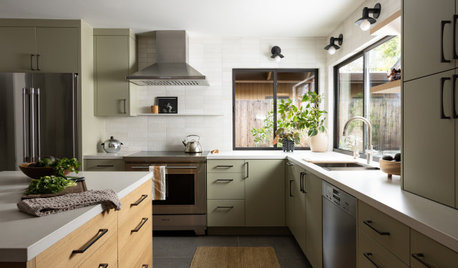
KITCHEN DESIGNHow to Map Out Your Kitchen Remodel’s Scope of Work
Help prevent budget overruns by determining the extent of your project, and find pros to help you get the job done
Full Story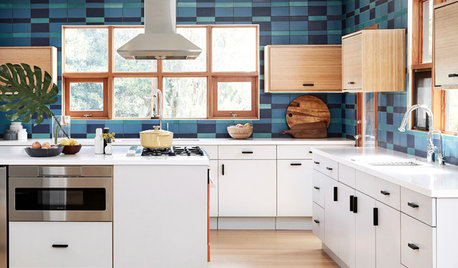
BEFORE AND AFTERSBefore and After: From Functionally Bad to Efficient and Plaid
A poorly laid-out kitchen gets a makeover that works hard for the homeowners who use it
Full Story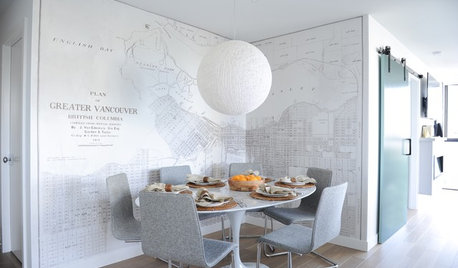
HOUZZ TOURSHouzz Tour: An Antique Map Is the Star of This Condo
A light color palette, clean lines and thoughtful moves expand this compact Vancouver home’s horizons
Full Story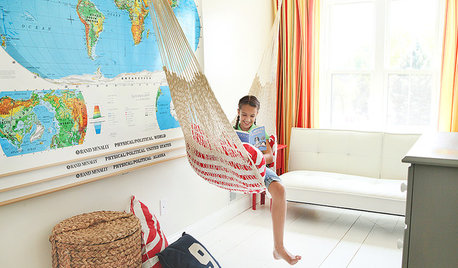
MORE ROOMSHomeschool Spaces Make the Honor Roll
These thoughtful and functional designs inspire creativity and learning within the comfort of home
Full Story
HOUZZ TOURSMy Houzz: A 1941 DIY Cottage Update — Aided by a Lending Library
Using borrowed tools, a handy homeowner makes her Northern California home both functional and charming
Full Story
PRODUCT PICKSGuest Picks: Bedroom Decor a Little Boy Will Love
Set him up in a room filled with airplanes, maps and a bug or two, and you’ll be set for decor for years
Full Story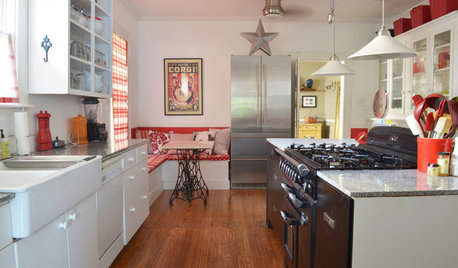
FURNITUREGreat Vintage Find: Antique Sewing Tables and Cabinets
These history-rich pieces add unique style and function all over the house
Full StorySponsored
Elmer J Fudd