

Realtech HD Manager
9 years ago
Featured Answer
Sort by:Oldest
Comments (15)
 9 years ago
- 9 years ago
Related Discussions
Near Tears in HD
Comments (46)Back from out of town....so chiming in, since I added to this with more detail than Patann...sorry.... When I did the cuttage, it was critical that each piece of bulb tissue had a piece of basal plate attached, thus is seems critical/vital that the basal plate is required for bulb growth. Tissue without basal plate won't prosper. I've been in California for the past 4 days, and appreciate all that's been posted on this. I will try and make a trip over lunch this week to speak with the general manager. Maybe the sales pitch from the bulb company was that these bulbs will put on a magnificent display as they are desparate to survive. Doubt the basal plate was removed for propagation purposes. The hurricane lamp and pebbles are pretty shallow and I bet that the company finds that the roots just "get in the way"...and that the bulb will bloom and die.....ensuring another purchase next year. K...See MoreHD hibiscus dying
Comments (1)Sounds more like an overdose of b-nine growth regulator or over fertilizing before they were shipped out to HD. It could be a virus but I would think it more unlikely than the two causes above which happens in the rush to supply the mass quantity of hibiscus in such a short time period of Spring. Return and see if they get a new batch without the problem. By now the grower probably is aware of the problem and will correct or dump the crop. Happy Growing David...See MoreNeed help with Seagate External HD
Comments (35)mikie, when I right click it and then click Eject, I get the message there is no disk inserted. Please insert disk and try again. I just realized that you tried helping me back in August with this blasted thing! On the F removable disk properties, the General tab shows this: Name: HP USB Device I don't understand this at all, as the only HP product I own is a 3 in 1 printer. Description: shows nothing State: The drive is empty Statistics: Mount 0 Last cleaned: Unknown Deferred dismounts: shows nothing Retain dismountable media for 5 minutes Enable drive is checked. Under the Device information: Manufacturer (Standard disk drives) Model: HP USB Device Serial number: shows nothing Revision: 1.00 Device Name: \\.\Physical Drive 2 Drive letter: F Device Address Port: Bus: Target: LUN Under the Security tab: Everything is checked to allow In disk management it shows Disk 2 Removable (F) No media...See MoreAppropriate Refund for Cabinet Order Failure? HD
Comments (16)Thank you all for your relevant input, and I certainly appreciate the interest in the minute details of the story - I think it's likely that without seeing the design, understanding my background in construction, or reading the post completely, that it is difficult to pass judgement on what can and cannot be installed, and what is and is not 'designer/installer' error. But thank you for sharing your expertise. As the end panel holds up the over refrigerator cabinet, and I have yet to figure out how to defy gravity and have it float, it is required to continue installation. If you have suggestions on how to do that - I'm all ears. It was a 2020/part description error which was discussed, and thought resolved. It's a bit of a convoluted story, which is why I focused on the result and a specific question - that the part which was supposed to be ordered, was cancelled and not re-ordered. But for those concerned, there was not supposed to be a reveal on the end panel. Obviously you cannot have a reveal on a full-height panel and a reveal on upper and lower cabinets. The upper cabinets will never line up with the panel. Assuming, of course, that the cabinets are leveled in all six directions before being joined or fastened.......See More- 9 years ago
- 9 years ago
- 9 years ago
- 9 years ago
- 9 years ago
- 9 years ago
- 9 years ago
- 9 years ago
 9 years agolast modified: 9 years agoshuffles_gw thanked Richard (Vero Beach, Florida)
- 9 years ago
Related Stories
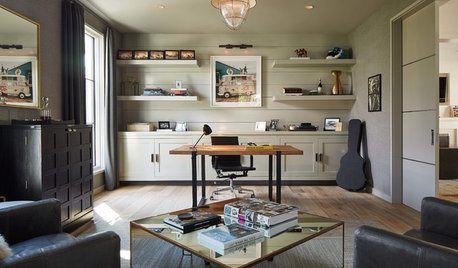
HOME OFFICESTrending Now: 5 Ways to Make a Home Office Work for You
Recent popular photos on Houzz offer ideas for setting up your space for creativity, productivity and more
Full Story
FURNITUREEasy Green: Stylish Ecofriendly Furniture
Organic fabrics and sustainably harvested wood mean you can feel good about your furniture choices in more ways than one
Full Story
MOST POPULARGarage Cleaning Tips for the Overwhelmed
Don’t let this catch-all space get the better of you. These baby steps can get you started
Full Story
FARM YOUR YARDHello, Honey: Beekeeping Anywhere for Fun, Food and Good Deeds
We need pollinators, and they increasingly need us too. Here, why and how to be a bee friend
Full Story
BEFORE AND AFTERSA ‘Brady Bunch’ Kitchen Overhaul for Less Than $25,000
Homeowners say goodbye to avocado-colored appliances and orange-brown cabinets and hello to a bright new way of cooking
Full Story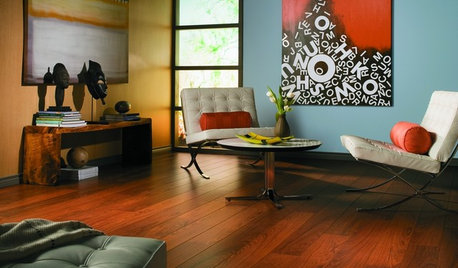
REMODELING GUIDESLaminate Floors: Get the Look of Wood (and More) for Less
See what goes into laminate flooring and why you just might want to choose it
Full Story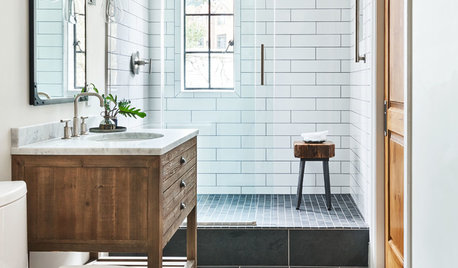
BATHROOM WORKBOOK12 Ways to Get a Luxe Bathroom Look for Less
Your budget bathroom can have a high-end feel with the right tile, stone, vanity and accessories
Full Story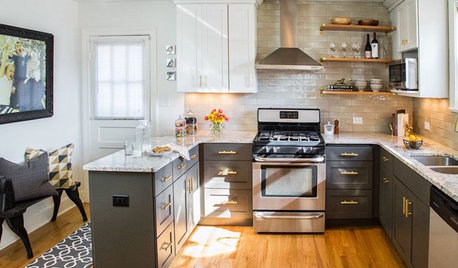
MOST POPULARBefore and After: 13 Dramatic Kitchen Transformations
See the wide range of ways in which homeowners are renovating their kitchens
Full Story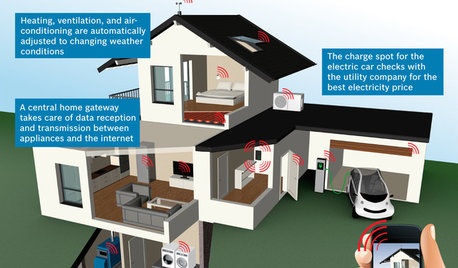
THE HARDWORKING HOMECES 2015: Inching Toward a Smarter Home
Companies are betting big on connected devices in 2015. Here’s a look at what’s to come
Full Story
HOME OFFICES9 Hacks for a Clutter-Free Home Office
Use these clever ideas to transform a chaotic study into one that’s more conducive to working
Full StorySponsored
User