

Want a Good Free Online Security Program
15 years ago
Sort by:Oldest
Comments (11)
Related Stories

HOME TECHWatch It! New Cameras Let You Video Chat, Stay Secure and More
Wouldn't it be great to have a single camera for home security, checking pets, chatting online and making videos? Now you can
Full Story
HOME TECHHigh-Tech Tips for Securing Your House While You're Away
Prevent burglaries when you're traveling by using the latest gadgets, apps and online services
Full Story
LANDSCAPE DESIGN15 Great Ideas for a Lawn-Free Yard
End the turf war for good with hardscaping, native grasses and ground covers that save water and are easier to maintain
Full Story
HOME OFFICESOnline Tools Help Paperless Plunge
Pay bills, catch up on reading and keep track of schedules and dates with these terrific online tools
Full Story
LIFE'Not My Precious Books!' — Pain-Free Ways to Declutter Your Library
Have your books and neatness too, with these ideas for paring down and straightening up a beloved collection
Full Story
HOME OFFICES9 Hacks for a Clutter-Free Home Office
Use these clever ideas to transform a chaotic study into one that’s more conducive to working
Full Story
GREEN BUILDINGWhat's LEED All About, Anyway?
If you're looking for a sustainable, energy-efficient home, look into LEED certification. Learn about the program and its rating system here
Full Story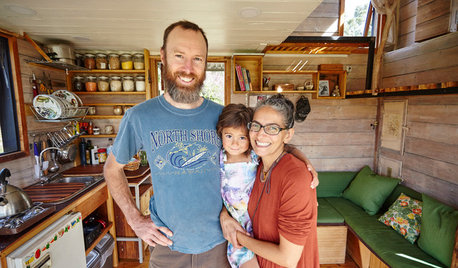
SMALL HOMESTiny Houzz Tour: Living the Good Life Their Way
This owner-built home in Australia may be on the small side, but it provides the perfect space for the family’s big dreams to come true
Full Story
BUDGET DECORATINGPop Culture Watch: Get a Good Rap With Thrift Store Scores
Eight rooms that rock secondhand finds, in an ideabook inspired by rappers taking YouTube by storm
Full Story
GARDENING FOR BUTTERFLIESGardening for the Bees, and Why It’s a Good Thing
When you discover how hard bees work for our food supply, you may never garden without them in mind again
Full StorySponsored

mikie_gw
kudzu9
owbist
not2bright
genes
TulsaRose
margaretoh
ravencajun Zone 8b TX
susieq07
love2sewOriginal Author
ravencajun Zone 8b TX