

How to back up a computer
8 years ago
Featured Answer
Sort by:Oldest
Comments (7)
Related Discussions
Back-up drive slows computer?
Comments (8)I'm not sure how you set up your backup drive, but mine only backs up files periodically according to a schedule. The schedule I chose was to backup at 3am when I'm not using it. In my experience, when the backup drive is copying files from the main hard drive, the main drive might respond a tad slower. However, being on the Internet and surfing to things like Facebook shouldn't really be affected unless you are trying to upload pictures, etc., while the backup is running, especially since it sounds like you have a newer computer with probably adequate RAM. You may coincidentally have something else going on....See MoreHow to hook up Sonya Bravio tv to computer to watch cd
Comments (2)You would have to connect through one of the TV's inputs depending what you have available. May I suggest you review your Sony owner's manual. Both my Samsung and Dynex include complete instructions for their products. You could also visit the Sony website. Then if there are still questions maybe we can help. DA...See MoreQuestion about backing up computer
Comments (8)Hi RC,I've followed this thread from beginning to end and understand what is posted here. What I need to know now is where is this snapshot of the os image stored for future use? Surely it's burned to a dvd,a secondary hd or an external hd, etc. Am I on track so far? Somewhere in the future the original hd crashes, malfunctions or just quits. Do I then physically remove it, set the secondary hd on which exists the snap shot, to primary function, if this be my chosen media, and boot up? If I had chosen to go the dvd route, do I replace the old hd with a new one and use the dvd to install the snap shot image? And in case of an external hd, can it's content incuding the snapshot image be copied over to the new hd? I realize we're covering a lot of ground here and I beg your patience. Please keep it simple as possible. I'd like to get this issue staight in my mind one time. I also understand this can only be done with the original computer the os was installed on. Thanks....See MoreReminder - Back Up Your Computers!
Comments (8)For Macs, SuperDuper is what I use and feel comfortable recommending to friends. Besides being very reliable, it tells exactly what is going on, meaning you are copying from where and to where--this assumes a backup involving an external hard drive. It also can make a bootable clone, meaning that you can start up and run your computer from the external hard drive when the internal drive is hosed. (You wouldn't want to run this way without making another copy for safety.) CarbonCopyCloner will make a bootable clone but had a cryptic interface, meaning it was difficult for non-technical users to be sure about what direction the copy would take. The CCC interface may have changed, but I've moved on with SuperDuper. The problem I have with Retrospect is that it copies files in a format that is not the same as your internal hard drive, so you cannot pull an individual file from it & you must restore using a computer that has another copy of Retrospect. This makes it difficult to determine that you are actually getting a good backup copy. SuperDuper can be run for free to try it out; when you pay the small license fee, you can run a Smart Backup, which copies what has changed to your backup for a fraction of the time required to do a full copy. A Restore operation should be just as simple and straightforward to do as the backup copy--only the direction is reversed. Not all backup software provides this. SuperDuper does. Apple's Time Machine is convenient in that it runs without operator direction, but Time Machine is too time consuming & complicated to use for a full restore. I use Time Machine only for having protection for my most recent files. The best strategy involves more than one backup copy, with at least one of them offsite, either an external hard drive or remote storage service. If you rely on external hard drives, you should backup daily & rotate them weekly....See More- 8 years ago


Related Stories

FEEL-GOOD HOME10 Ways to Snug Up Your Bedroom
Turn your back on the cold by chilling out in cozy sleep-space comfort
Full Story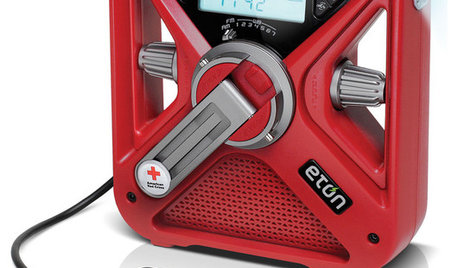
HOME TECH7 Ways to Charge Up and Connect After Disaster
Products and tips for communicating and keeping essential items running till the power's back on
Full Story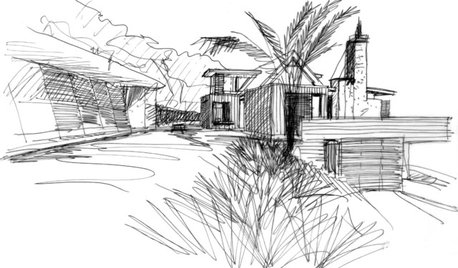
THE ART OF ARCHITECTUREBack of an Envelope: Architects’ Sketches and the Homes They’ve Made
There’s something evocative about a hand-drawn architectural sketch that a computer just can’t replicate. Here are some great examples
Full Story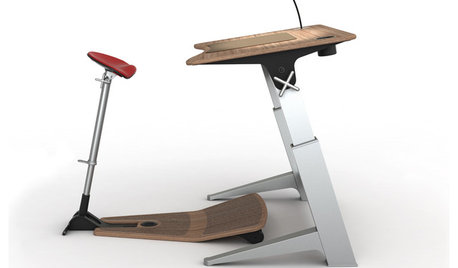
HOME OFFICESStand-Up Desks Rise to Health Challenges
Sitting all day may be wrecking your health. Are you going to stand for that?
Full Story
ORGANIZINGGet Up to Speed for Back to School — 12 Tips for Smooth Sailing
New schedules and clothes, paperwork piles ... and where did all the Band-Aids go? These tips will help you ace the new school year
Full Story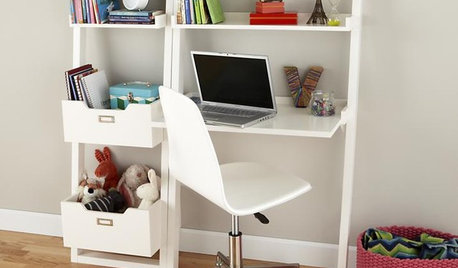
PRODUCT PICKSGuest Picks: Gear Up for Back to School
Get set for the new school year with storage, organization and workspace ideas for kids of all ages
Full Story
FEEL-GOOD HOMEBack Problems? Try Putting Your Feet Up
Consider these alternatives to that one-size-doesn’t-fit-all sofa to avoid slumping and spinal stress
Full Story
HOUZZ TOURSHouzz Tour: Major Changes Open Up a Seattle Waterfront Home
Taken down to the shell, this Tudor-Craftsman blend now maximizes island views, flow and outdoor connections
Full Story
GREEN BUILDINGLet’s Clear Up Some Confusion About Solar Panels
Different panel types do different things. If you want solar energy for your home, get the basics here first
Full Story
DECORATING GUIDESBulletproof Decorating: Upholstery That Stands Up to Anything
Kids and pets are no match for fabrics as durable as these, which meet higher style standards than ever
Full Story
kudzu9